
Logging and monitoring look alike but do different things. Logging is recording what happens, so you can work it out afterwards. Monitoring is continuously watching for anything unusual, so you notice before a customer reports it. Neither works well without the other.
Key point: an alert only helps if someone sees it, and a log only helps if it contains the right things.
An application has to be monitorable. Monitoring starts with the application itself. We build applications so that they can say whether they are healthy (health checks), and so that a failure underneath shows up on the surface too. Otherwise a page that loads nicely on top of a broken backend gives a green light for a broken system. Alerts go to a shared place rather than to one person, so whether they get seen does not depend on who happens to be around.
In practice, we use:
- Grafana to bring logs together in one central place and create dashboards.
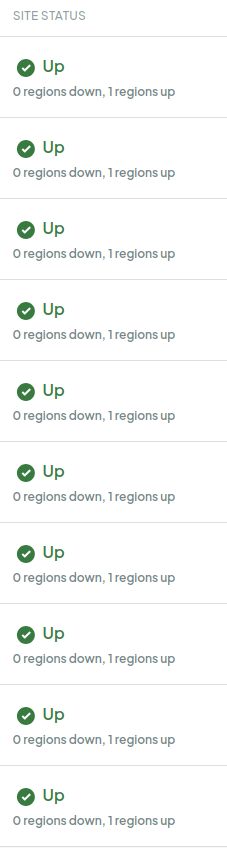
- DigitalOcean monitoring for health checks, uptime and SSL certificate checks, so an expiring certificate or an unreachable server raises an alert before a customer notices.
- CI/CD with GitHub Actions, so builds, tests and deployments are visible and can be reviewed.
Writing a log line. The value of our monitoring depends on the quality of the application's own logs. For developers we keep a short checklist:
- Every line starts with its level: error, warning, info or debug.
- Info and debug go to the normal output stream, errors and warnings to the error stream, so you can filter them separately.
- When something fails, say what failed and why. "Something went wrong" doesn't help anyone at three in the morning.
- Calls to external services, such as sending email, are logged.
- Debug logging is off in production.
What doesn't belong in there. A log can be a risk itself. That is why secrets, personal data and business data stay out. We are careful with:
- email addresses
- IP addresses
- full request bodies
- full database queries, because their parameters often contain personal data
In practice: we record enough to reconstruct what happened, and no more than that.
Logs are also protected against unauthorised access, alteration and deletion, and survive a container or server restart. Switching logging off requires authorisation.
A fixed moment to look. Reviewing logs is a fixed habit, not something we do only when we have a hunch. We look for things that stand out, such as the same error turning up conspicuously often or behaviour that does not fit normal use. A designated person also looks for signs of misuse and keeps the alerting rules up to date. We do this regularly, even when nothing has been reported. Besides logs and uptime checks, we periodically check the systems themselves: do the security measures still work, has maintenance been done and is access as intended? That catches things that do not show up in a log by themselves.
An alert is part of our incident process and is not resolved until someone has picked it up. What we learn feeds into continual improvement: an alert that arrived too late or a log line that was missing something becomes an improvement with an owner.